DRAFT SETUP FOR VIVA VOCE
This week, I began planning my setup for Viva Voce, thinking carefully about how to present my project in a way that is clear, focused and narrative-driven.
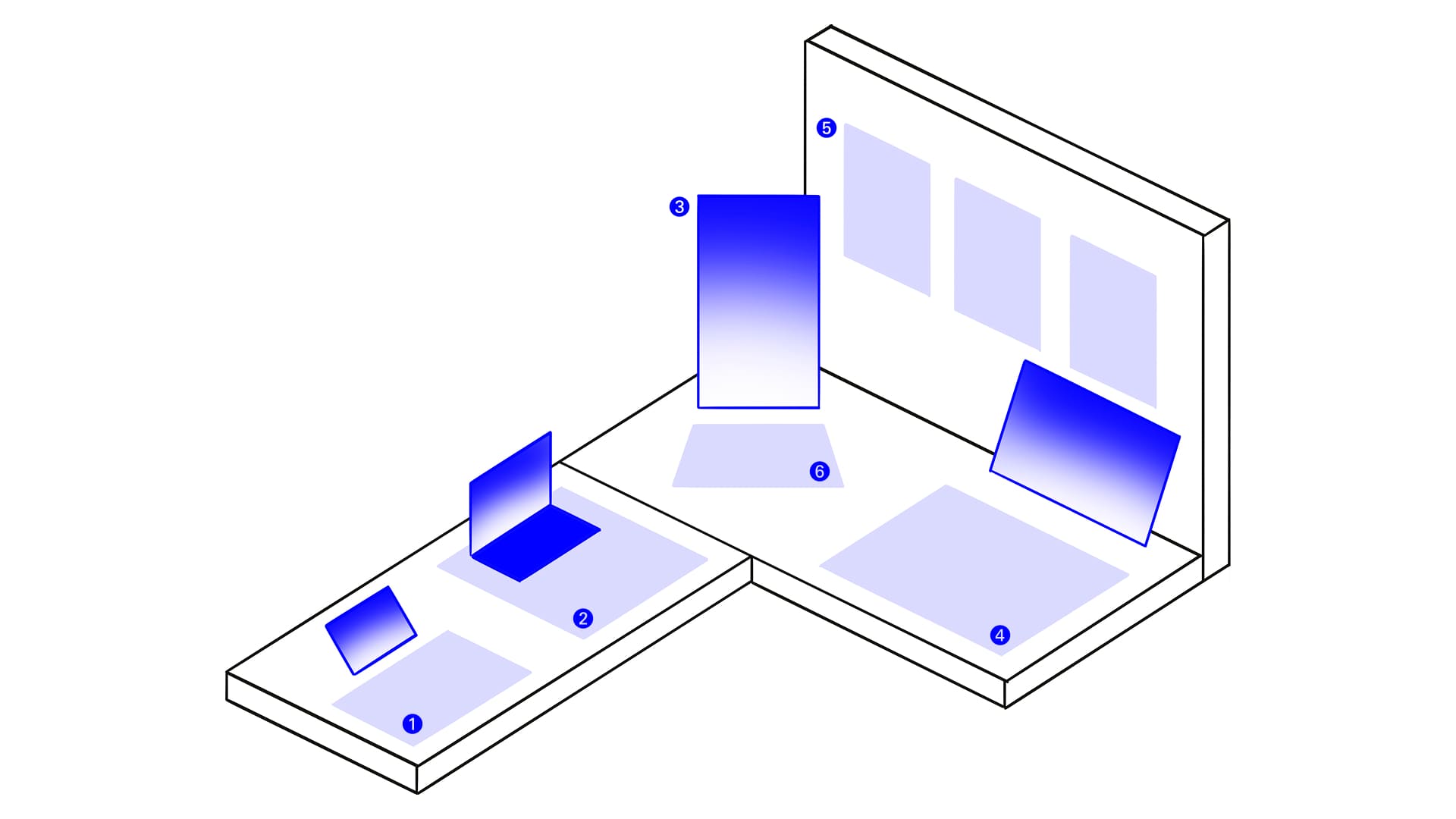
① Semester One Outcomes
My initial idea was to create a publication to showcase Semester 1 works, as Andreas had mentioned that I had strong outcomes that were not fully presented during Open Studios. However, I realised that my Semester 1 Catalogue of Making website is enough. Instead of creating new material, I plan to screen-record the website and have it loop on my iPad as an entry point to my presentation. This will be supported by selected images printed on foam board, which were previously displayed during Open Studios. I hope this approach allows me to retain content while simplifying the setup.
② AURAGRAPH
I will be displaying the Arduino controller here. However, I will not be demonstrating the interaction live as it may be time-consuming and technically risky during the presentation. Instead, I will present a concept video on my Macbook.
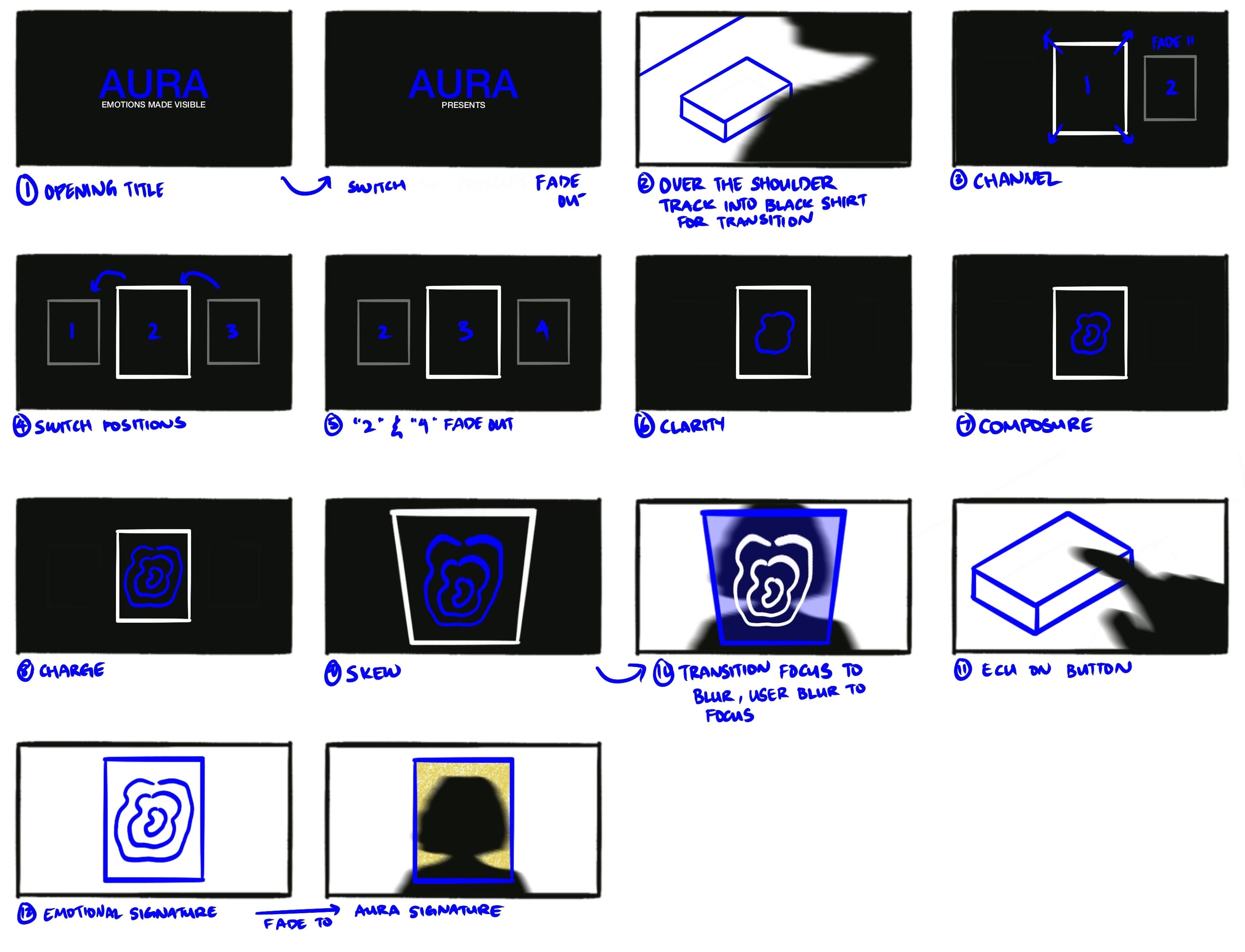
Similarly to my Mood Mirror video, I pre-recorded the interaction to ensure reliability and clarity. The video will combine animated sequences and real footage to demonstrate how the system works step-by-step. I also experimented with using Siri as the AI voiceover to reinforce the system’s tone.
Filming with friends was both helpful and cheeky, getting them to stay serious was definitely a challenge.
One aspect I was particularly proud of was the transition from the animation to live footage. This shift places the audience in the perspective of the system itself, as if they are observing the user through the interface. Achieving this required layering multiple visual elements and using camera orientation in AfterEffects, but it significantly strengthened the immersive quality of the video.
③ AURA Cloud
I found that the vertical screen used during Open Studios was visually effective, so I will cary this forward into my Viva setup. AURA Cloud will be displayed on loop, showcasing the emotional data collected during Open Studios.
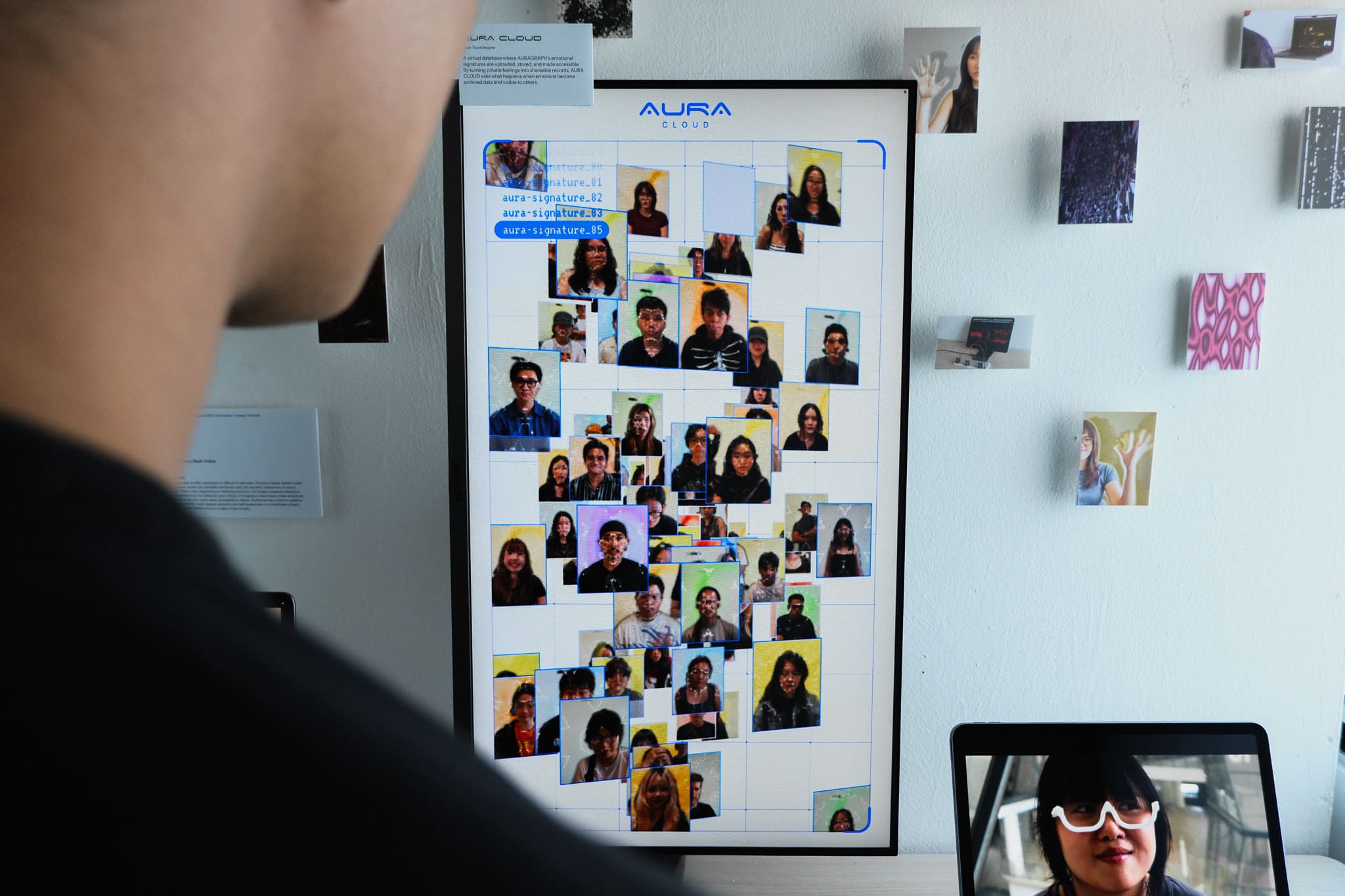
This reinforces the idea of a living, growing database, making the speculative system feel more tangible and continuous.
④ AURACLE
Since Andreas responded positively to the AURACLE concept video, I will continue to feature it in my setup. The video will be displayed on the iMac, accompanied by a screen recording of my Semester 2 Catalogue of Making. The 3D-printed eyewear will also be presented alongside it as a physical artefact.
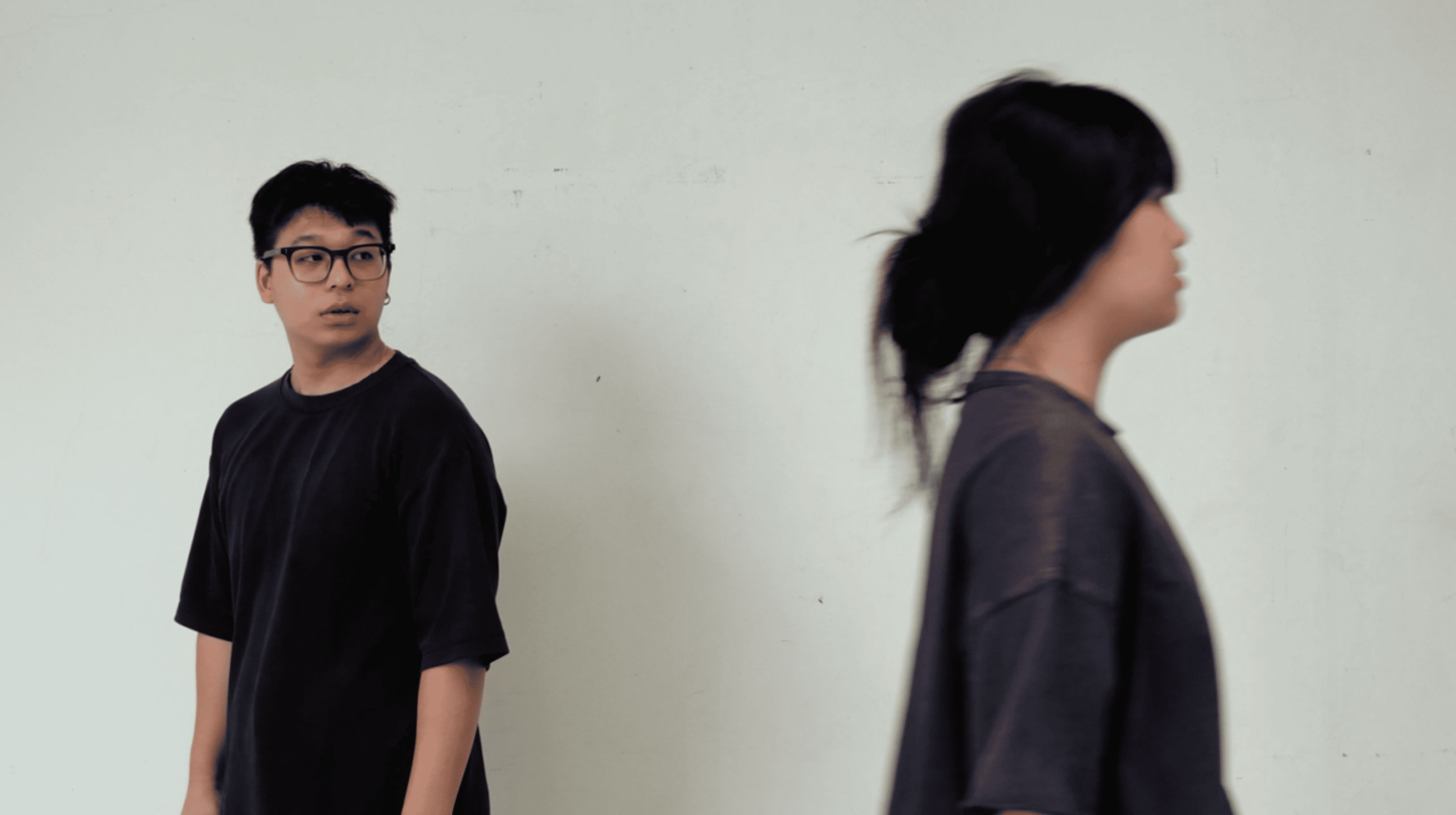
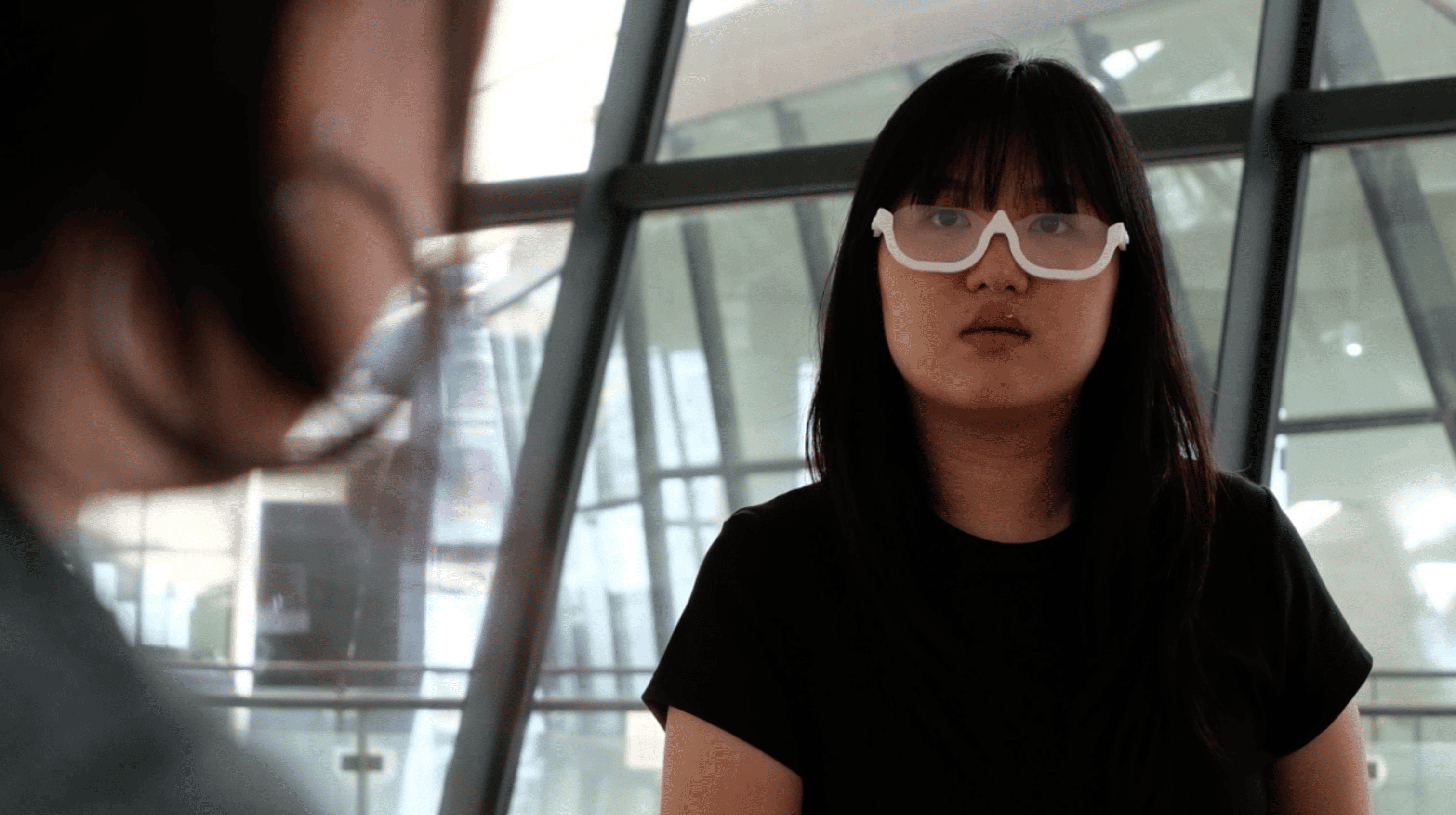
However, I made the decision to reshoot the ending of the video. Previously, the user walked away from someone with a red aura, which unintentionally framed the technology as a tool for avoidance and exclusion. This contradicted my intended message.
In the revised version, the user approaches the individual instead. This reframes AURACLE as a tool that encourages empathy and connection, rather than reinforcing social division.
⑤ AURA Posters
To further build the speculative world, I developed a series of AURA posters.
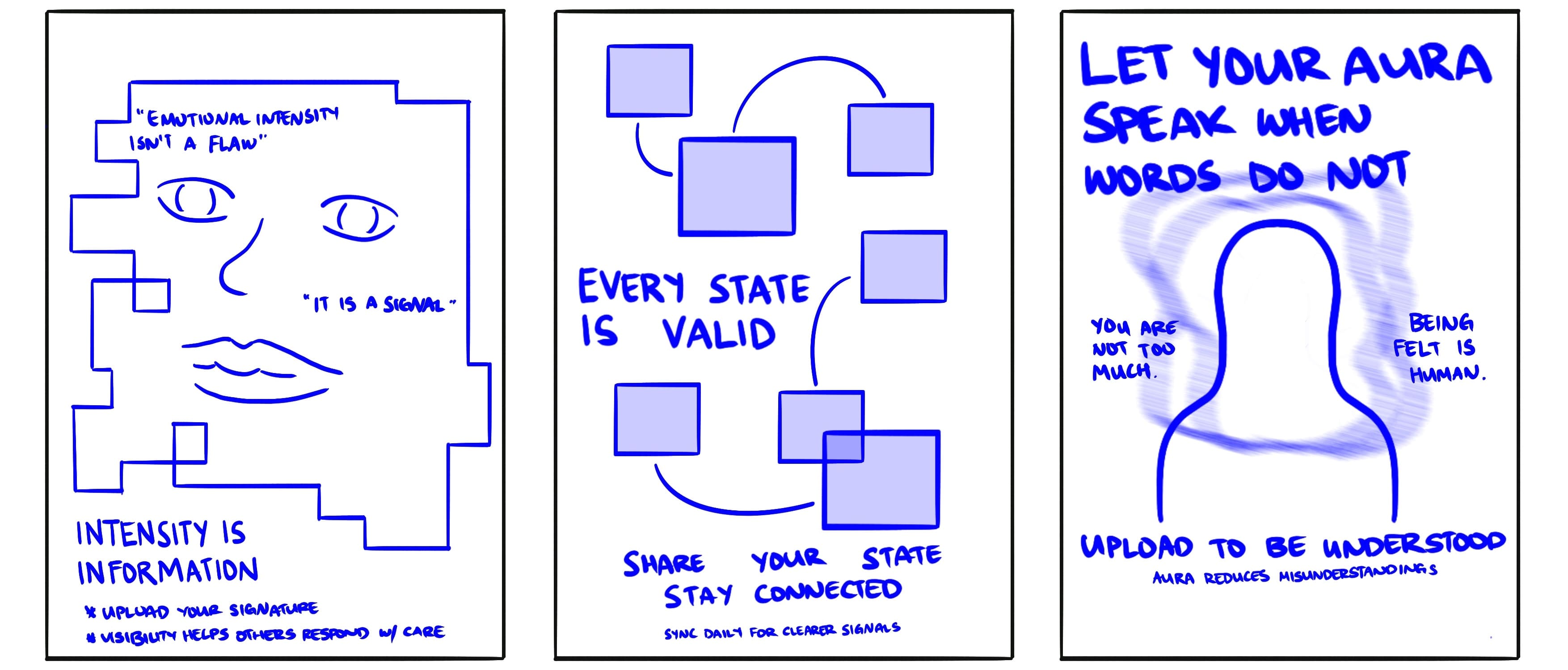
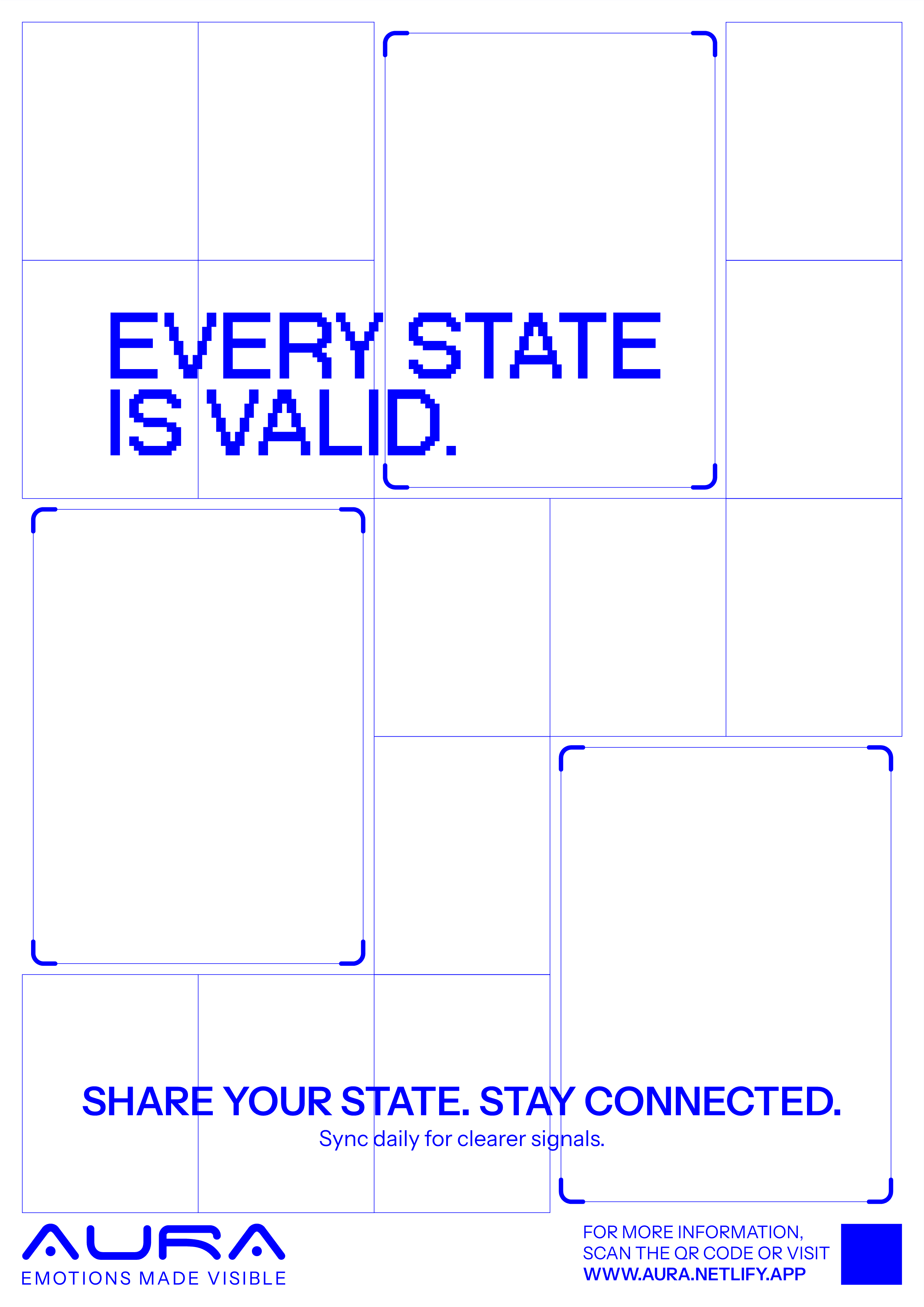
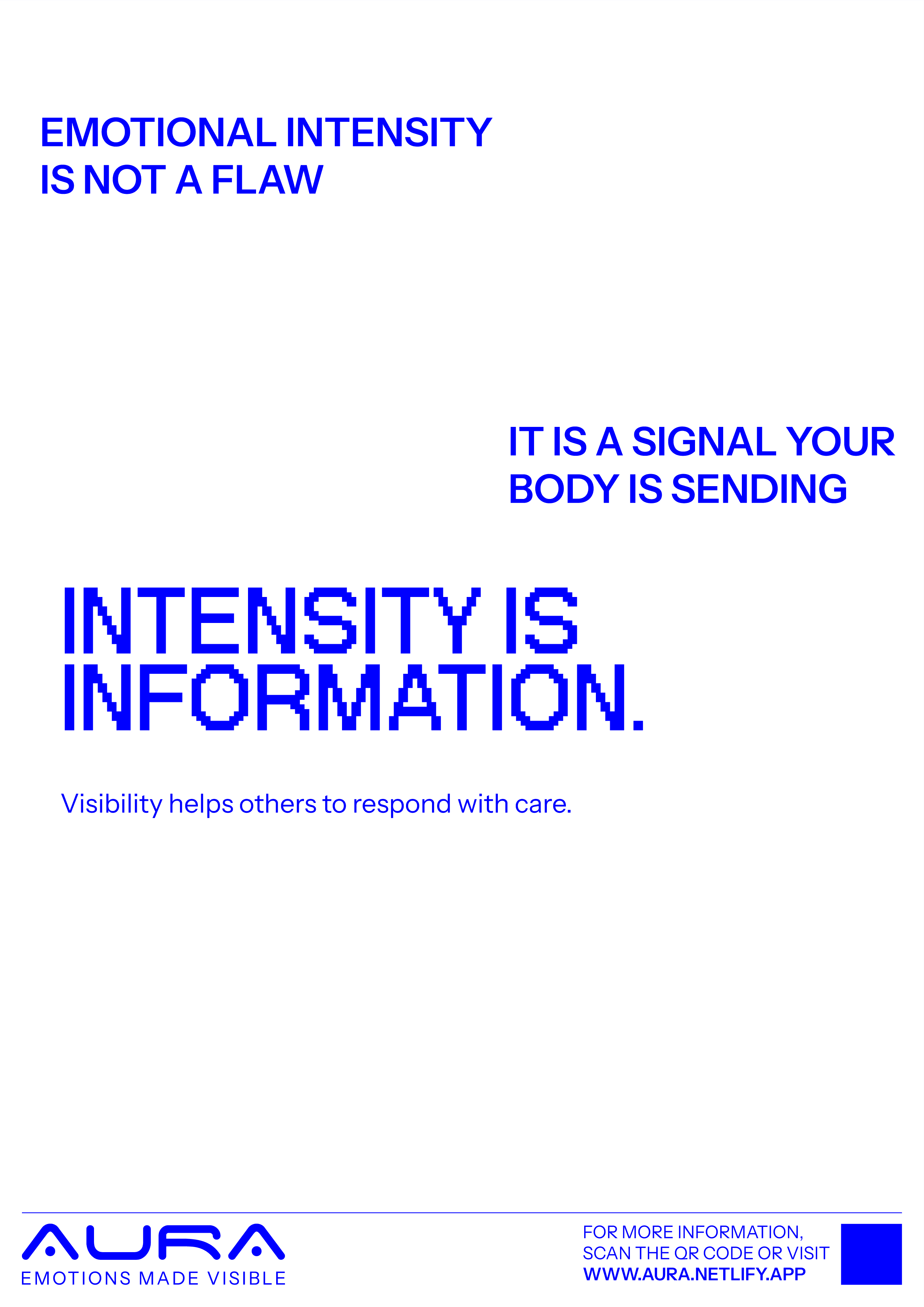
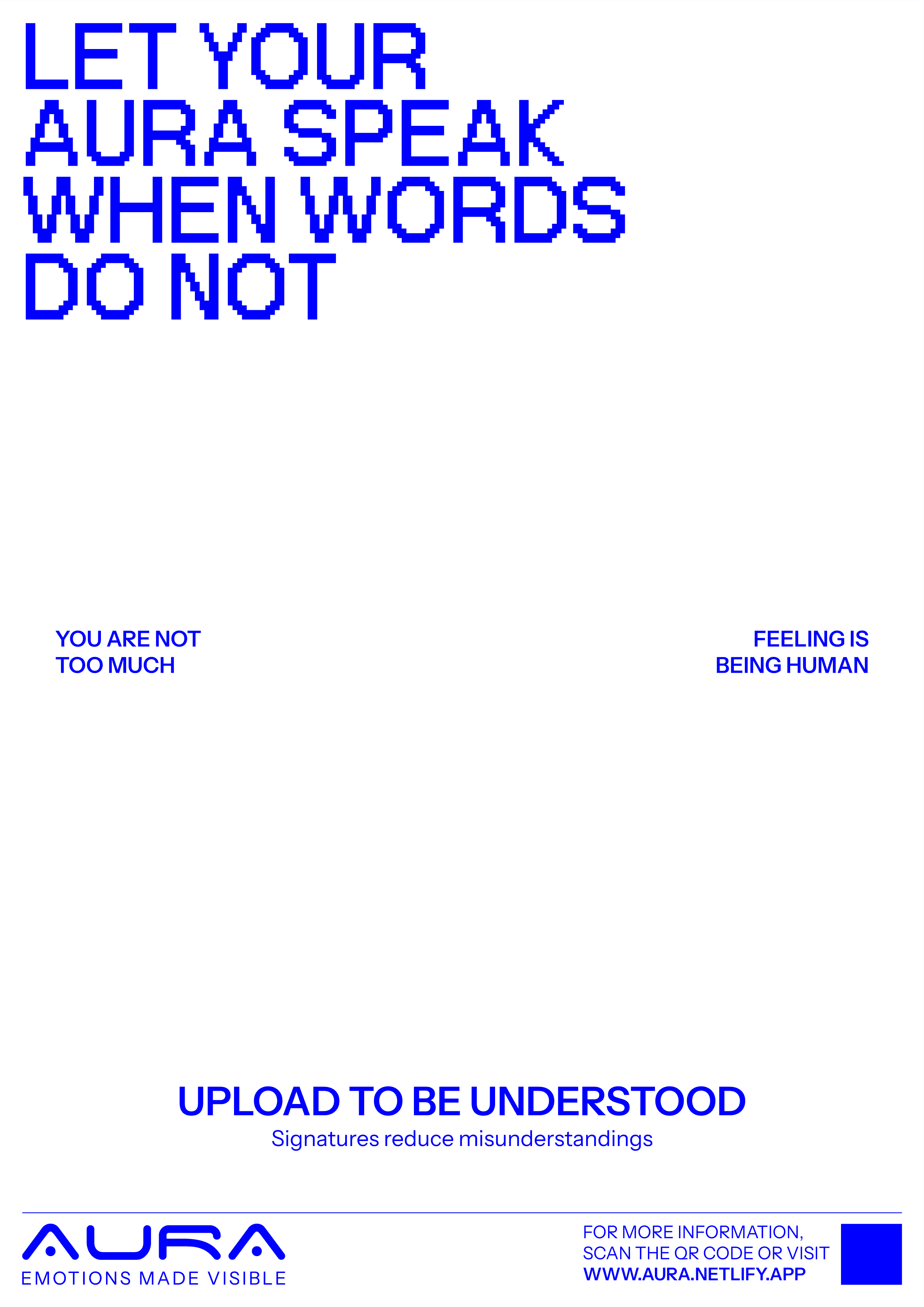
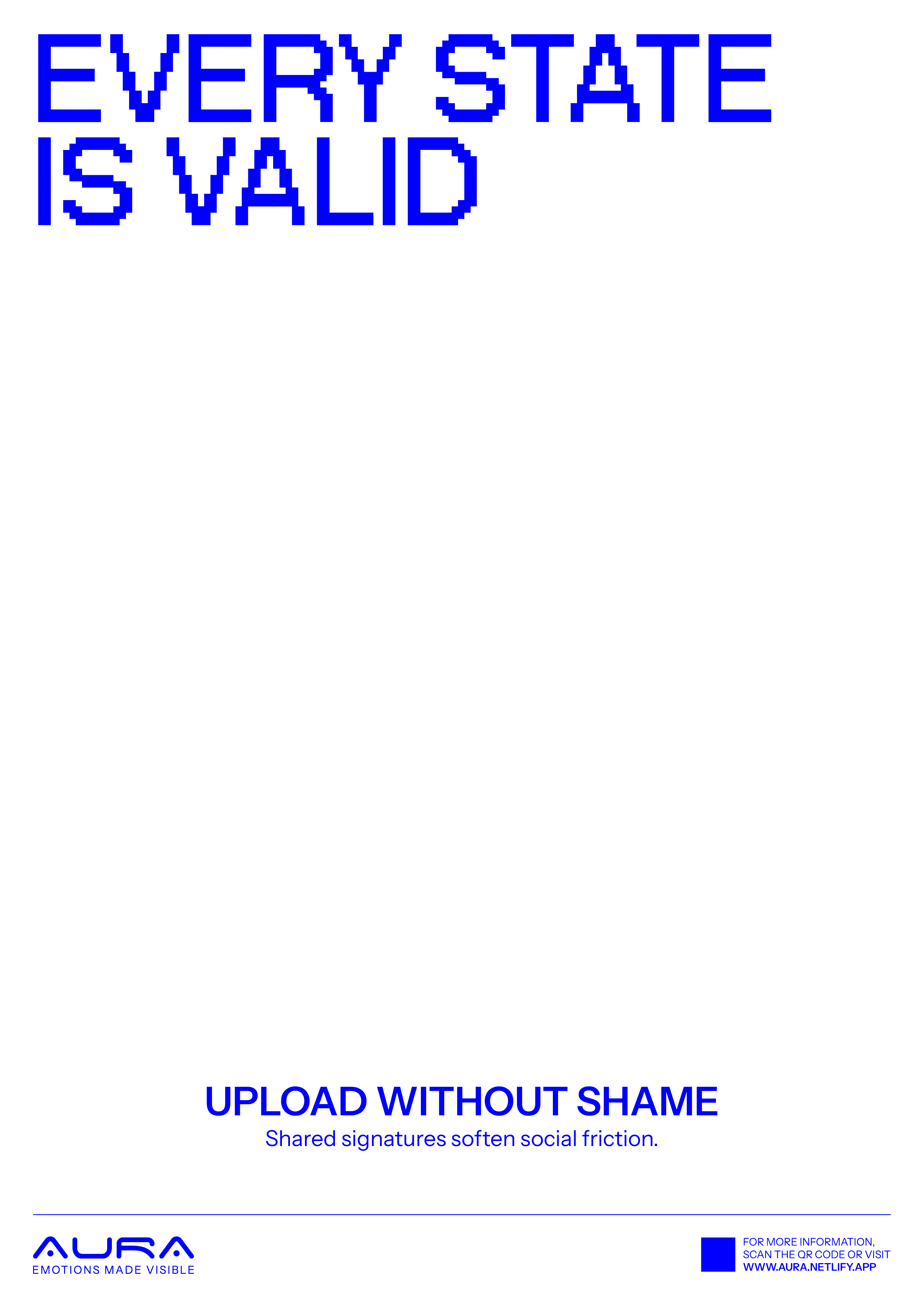
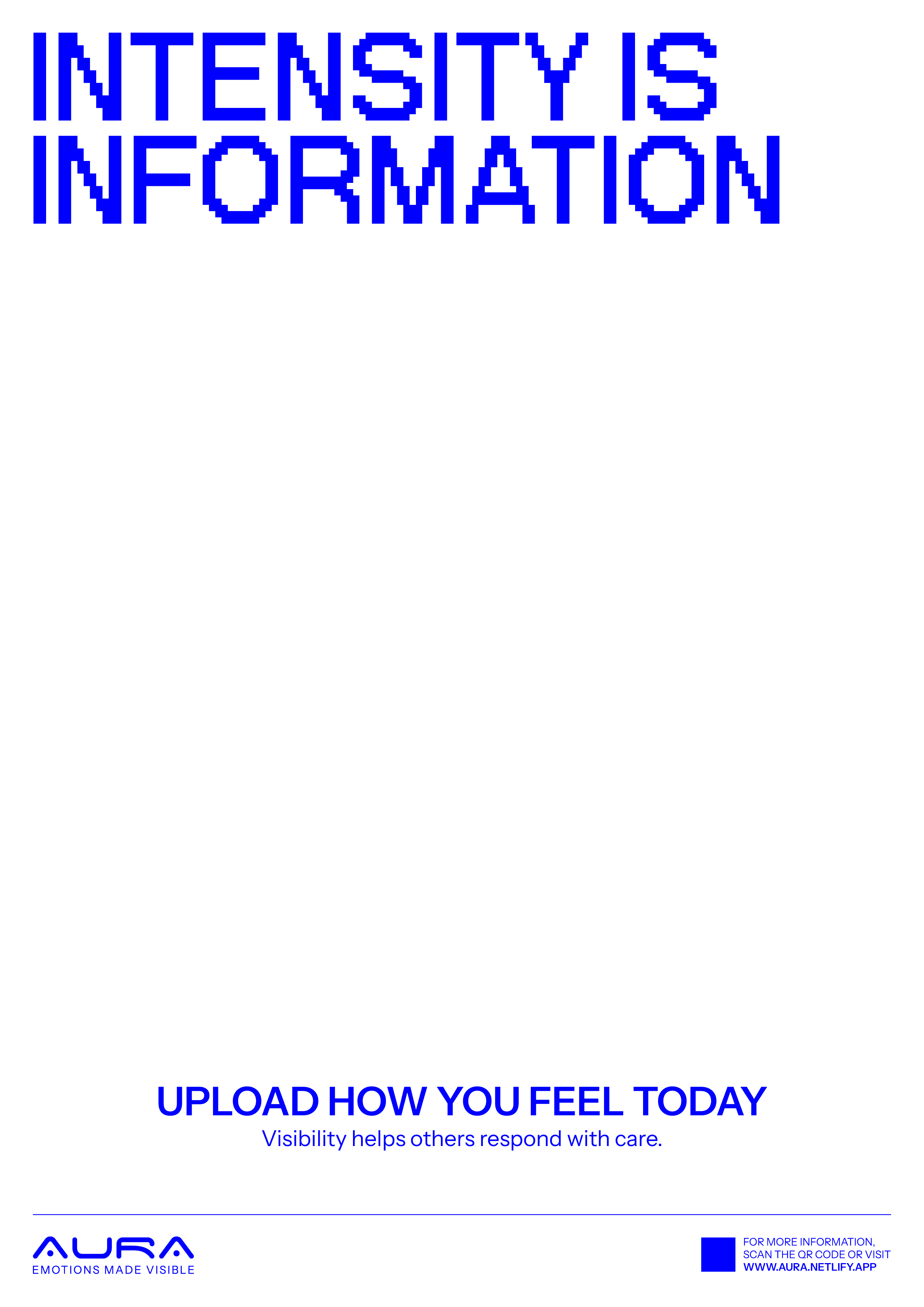
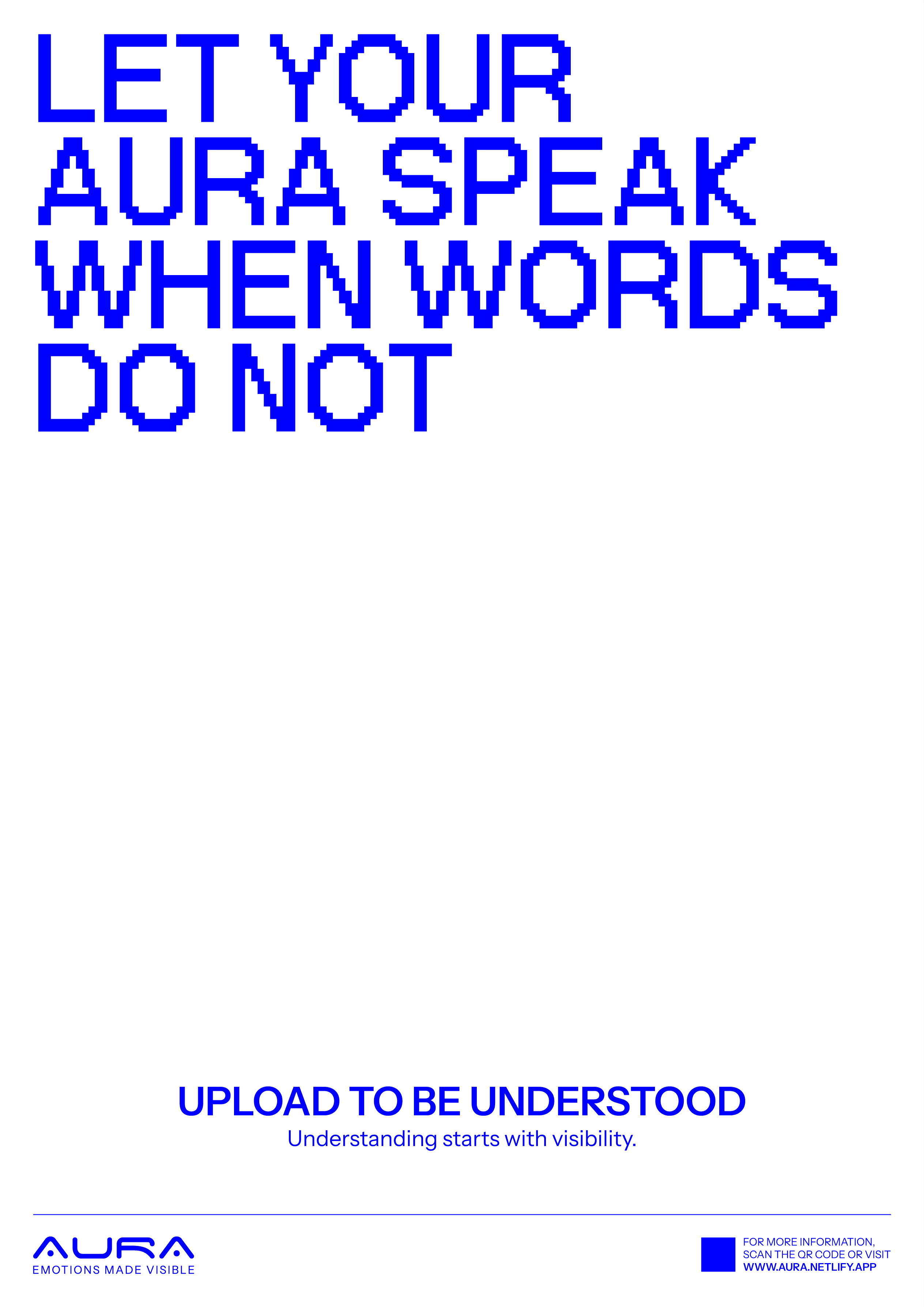
These posters act as fictional collateral that promote the idea of uploading emotional data. My intention was to create a tension between encouragement and discomfort. The copy should feel reassuring and persuasive, while the visuals should subtly evoke unease.
This contrast reflects the underlying contradiction of the system: emotional transparency is framed as beneficial, yet it also introduces surveillance and vulnerability.
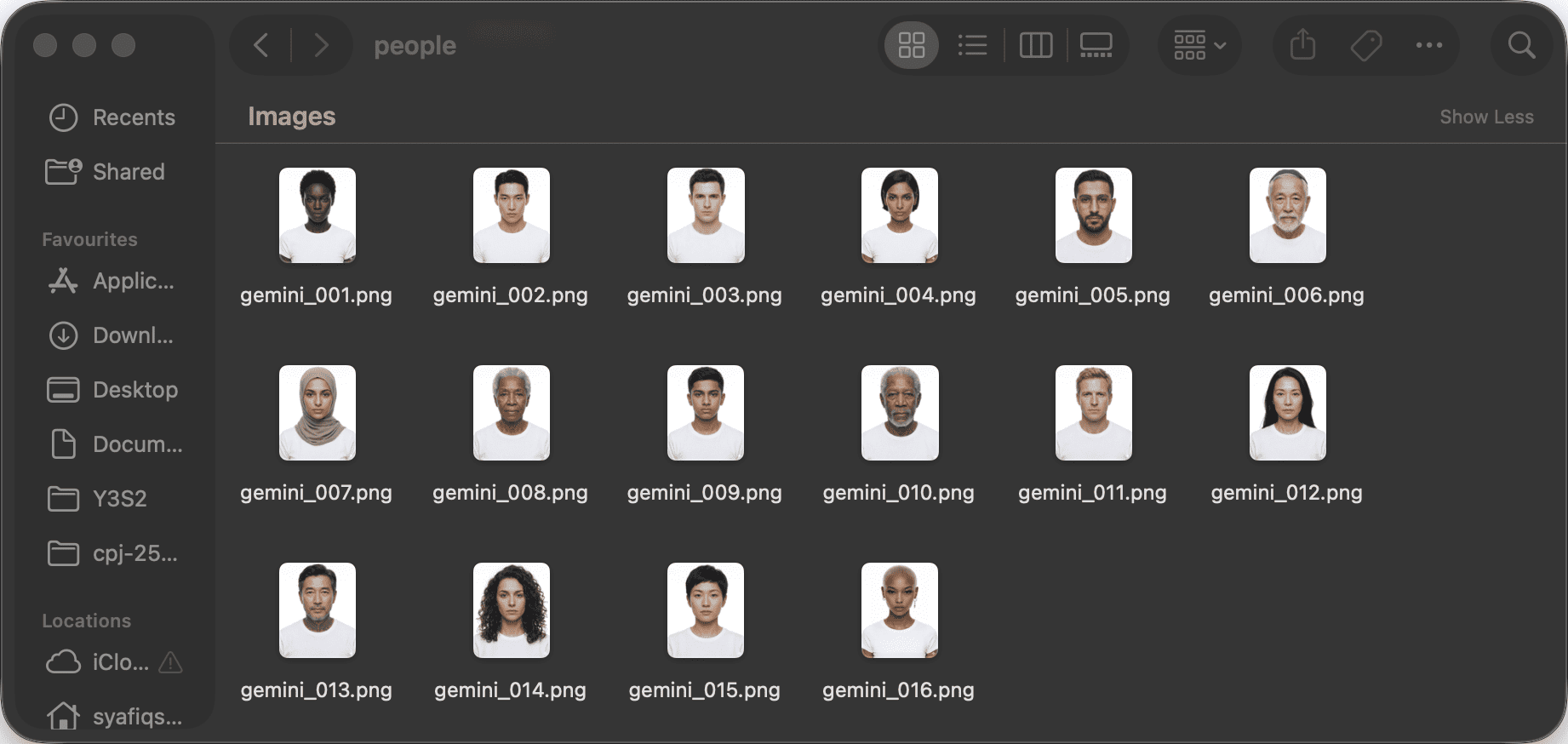
I used Gemini to generate images of diverse individuals across different genders, ages, and backgrounds. Due to safety guidelines, I focused on adult and elderly subjects.
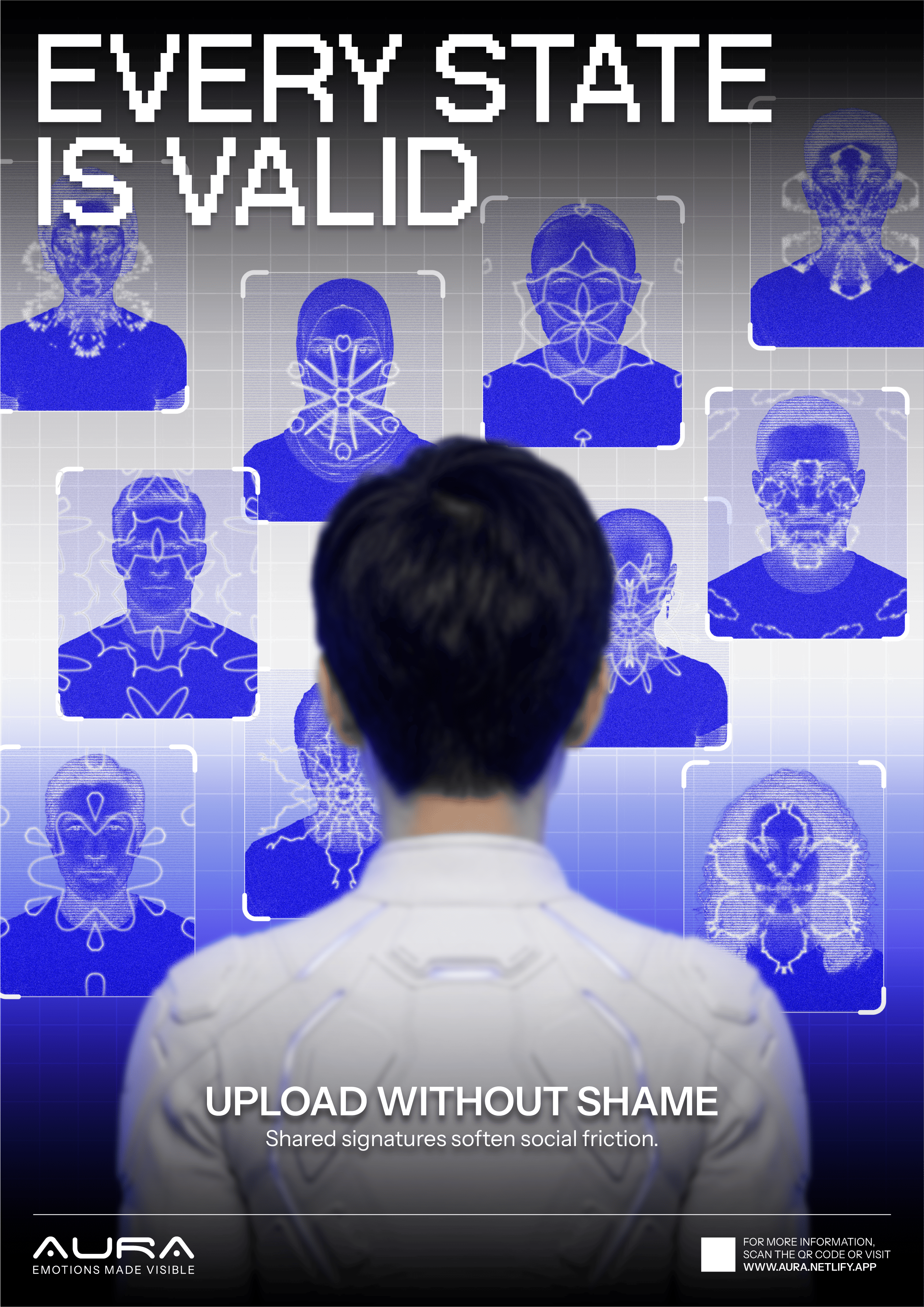
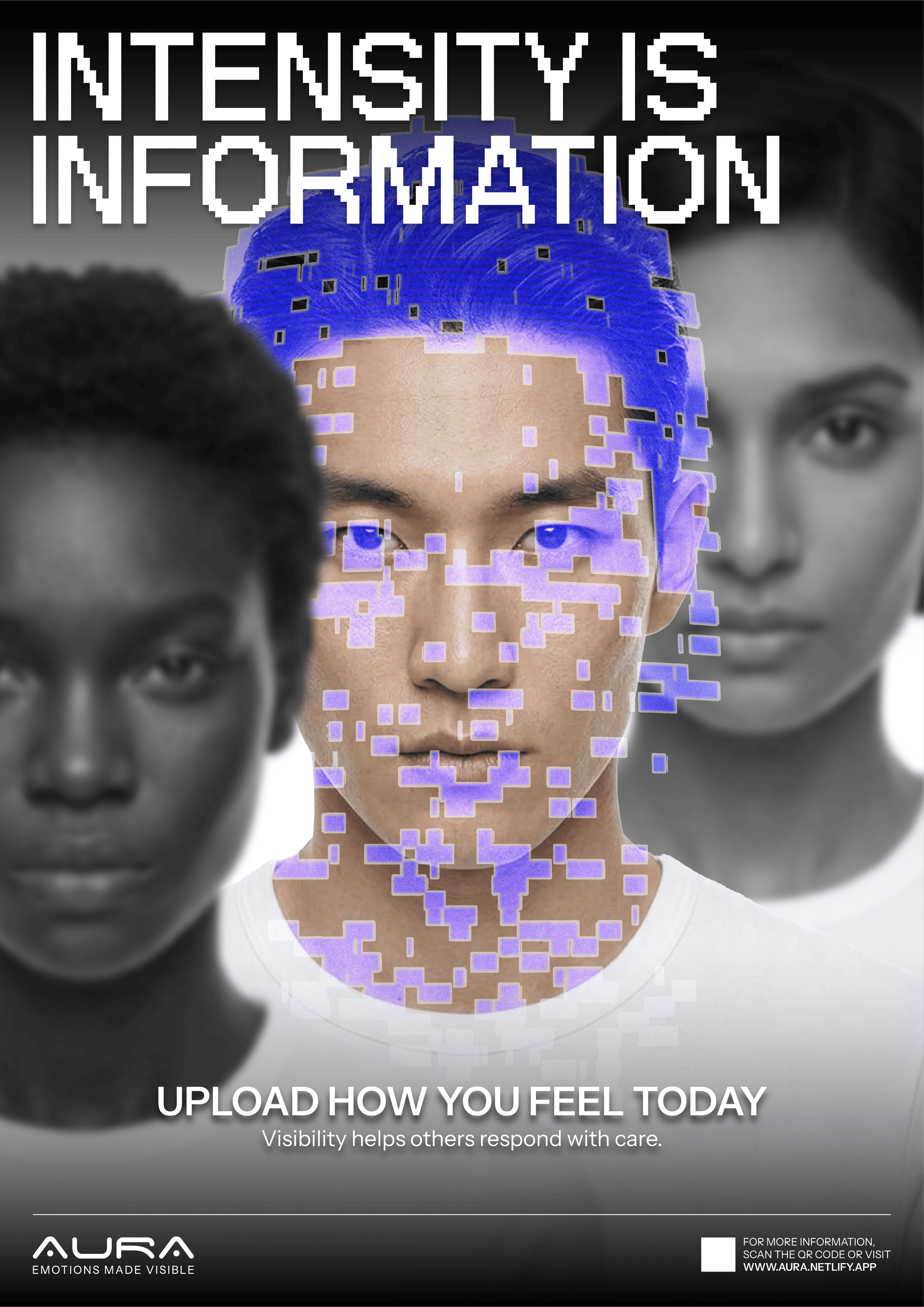
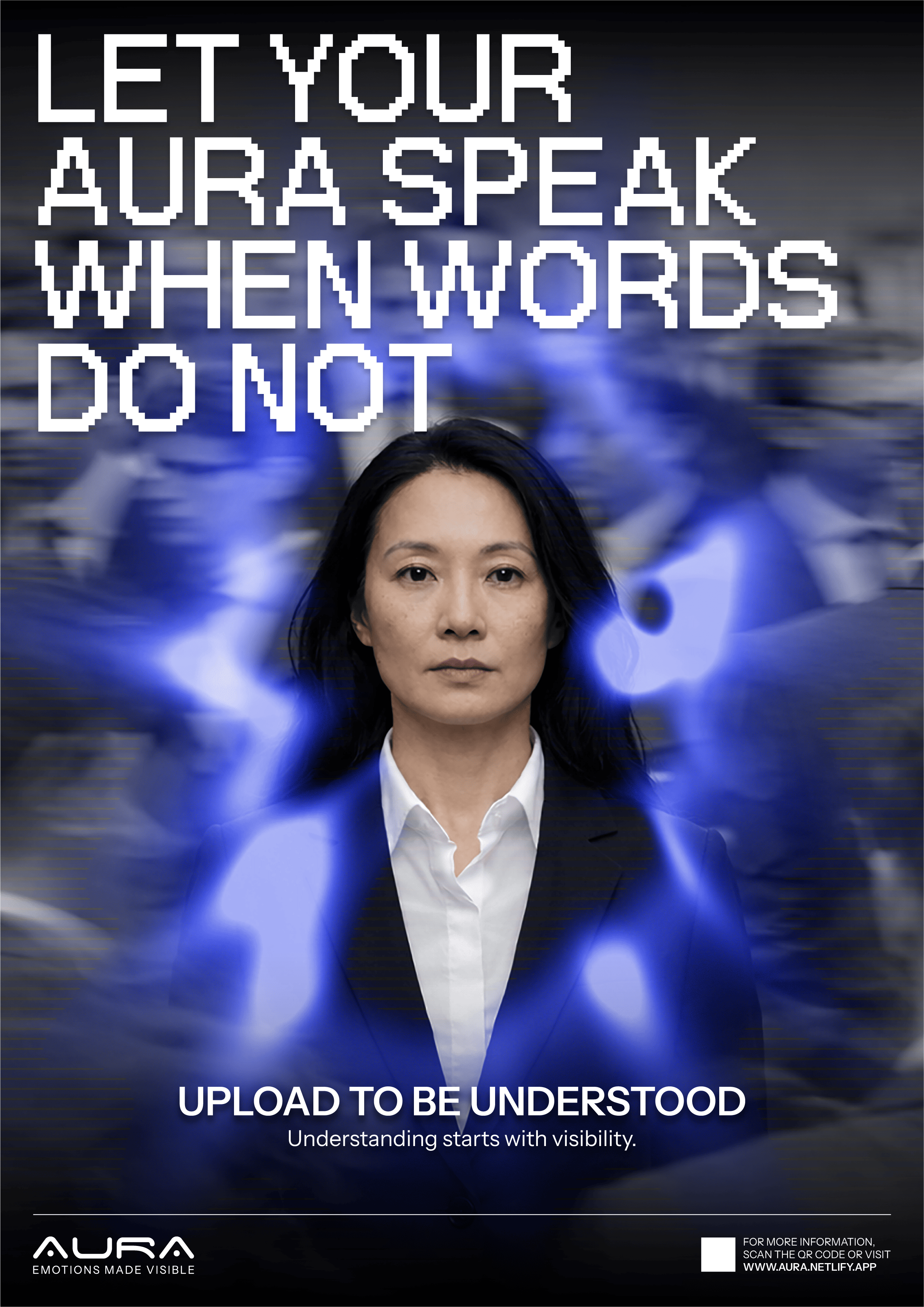
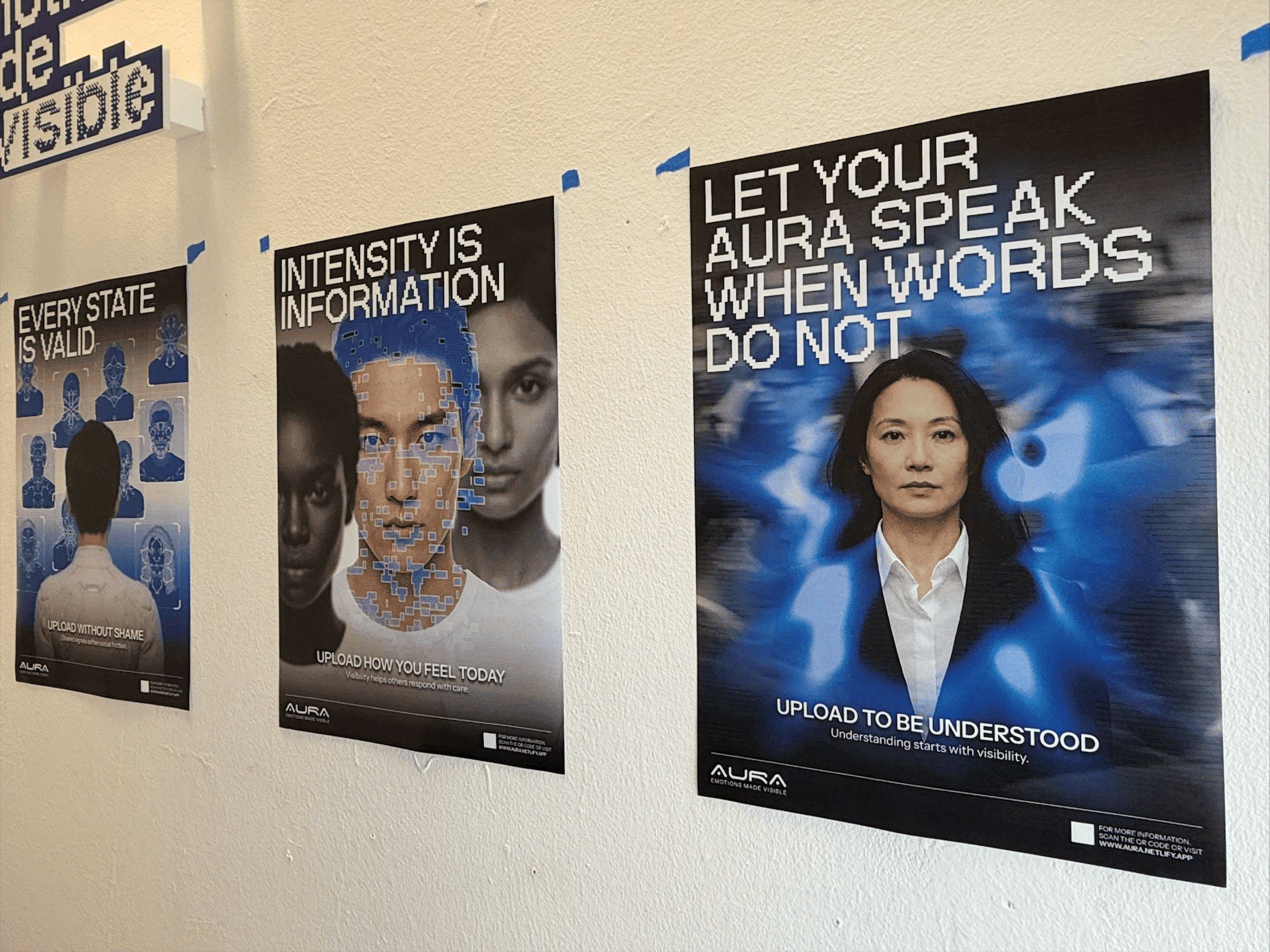
Although the digital versions appeared slightly purple, the printed outputs leaned more towards blue, which aligned better with the AURA identity. I was really proud of myself when I received positive feedback from my peers, who noted that the posters felt visually cohesive while successfully conveying a sense of discomfort.
⑥ AURA Publication
I am still considering whether to produce a publication. At this stage, I am unsure of its purpose or content and I do not want to create one simply to fill space. For now, I have decided to put this on hold and prioritise strengthening the existing components of my presentation.